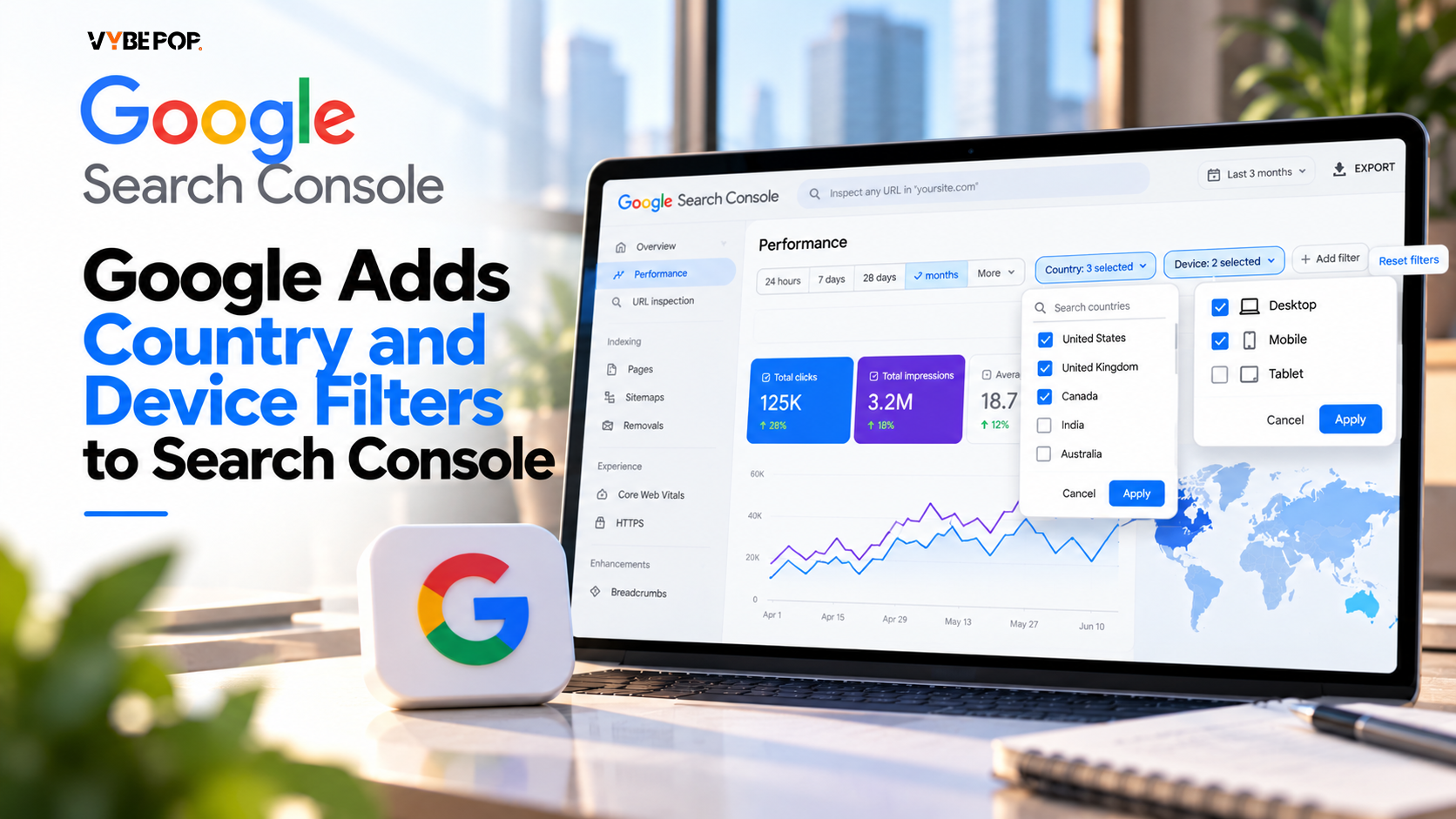
Google Search Console’s Performance report just got a handy upgrade. You can now pick more than one country or device type in a single filter. So if your site gets traffic from several markets, you no longer have to open a separate report for each one.
Several Countries, One Report
Before this, checking performance across markets was a bit of a chore. You either went through each country one by one or exported the data and merged it yourself.
Select any countries you want, such as India, the US and the UK. Search Console shows their total clicks, impressions, CTR and position in one place.
The same goes for devices. Want to see mobile and tablet together? You can. Want just one? That works too.
What’s New in the Performance Report
- You can select multiple countries and see their combined data.
- You can select multiple device types in the same way.
- Clicks, impressions, CTR and average position all update to match your filters.
- You can either filter to see combined results or use compare mode to set one group against another.
For teams that handle sites in many countries, this should cut down the time spent on reporting.
Where This Helps
Tracking several markets together. If you run a site for more than one country, you can now check overall performance in one place. Regular reports get quicker to put together.
Looking at smaller screens. Put mobile and tablet in one filter to see how visitors on phones and tablets find your site. You can also compare device trends and spot anything that needs a closer look.
Focusing on key markets. Group the countries that matter most to your business and watch them as one set.
Finding the source of a drop. If clicks or impressions fall, country filters help you see which market is behind it. From there, you can dig into that country’s queries and pages.
One thing to keep in mind: a drop in traffic doesn’t automatically mean an algorithm update or a technical issue. You’ll need to dig deeper before you know the real cause.
How to Use the New Filters
- Open Search Console and choose your property.
- Go to the Performance report.
- Click + Add filter above the report.
- Pick Country or Device.
- Select the options you want and apply the filter.
The report refreshes right away. If you’d rather see how two groups differ than view them combined, switch to compare mode.
The Bottom Line
This update won’t replace proper analysis, but it saves you from juggling separate exports. For sites with an international audience, that makes everyday SEO reporting simpler.
Get in touch with Vybepop for all your seo services requirements.